6A USB-C 100W Cable: Fast Charging, Compatibility & Tips
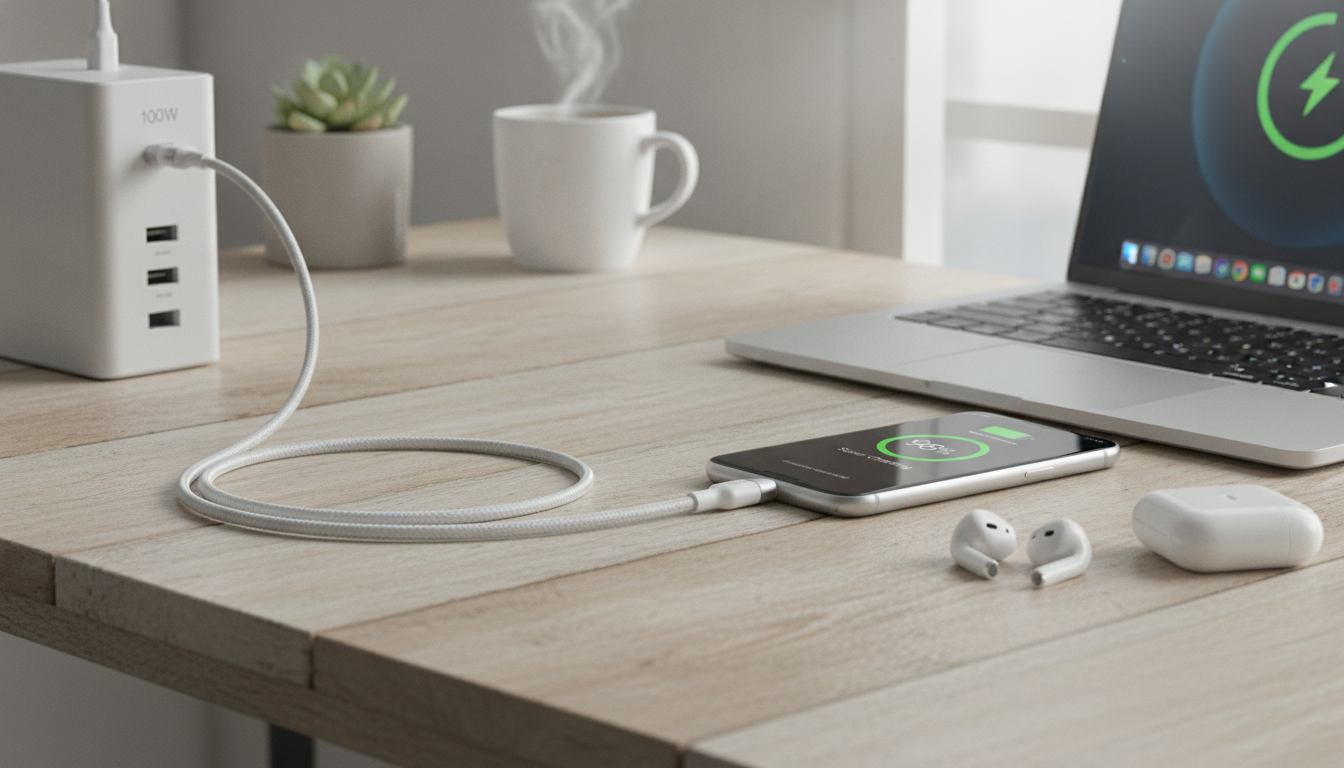
6A USB‑C Cable for Fast 100W Charging: What It Does Well and How to Use It
A high‑watt USB‑C cable can be the difference between a laptop that charges at full speed and one that crawls. A 6A, 100W‑rated USB‑C cable is built to support demanding charging setups with less heat and less voltage drop than typical low-current cords—when the rest of your gear is compatible. Below is a practical guide to what “100W” really means, what to check before plugging in, and how to get steady fast charging across phones, tablets, power banks, and USB‑C laptops.
What “100W” fast charging means for a USB‑C cable
“100W” is the power ceiling the cable can help support, not a promise that every device will charge at 100W. Actual charging speed is controlled by the charger, the device, and the charging protocol they share.
- Power is negotiated, not assumed: USB‑C Power Delivery (USB PD) negotiates voltage and current between the charger and the device. The cable’s job is to carry the agreed current safely and consistently.
- A 6A-rated design supports higher current paths: A higher-current cable is built to handle more amperage with lower heat buildup than thin, low-current cables—especially helpful when the setup is pulling serious power.
- Higher wattage magnifies weak links: Laptops and other power-hungry devices are more sensitive to resistance, connector quality, and cable length. A mediocre cable might “work,” but it can trigger power throttling or get uncomfortably warm under load.
For deeper technical background on how USB‑C charging is standardized, see the official USB‑IF pages for USB Power Delivery and the USB Type‑C specification overview.
Cable basics that affect charging speed and safety
Two cables can look identical and still behave very differently during fast charging. The points below are the most common real-world factors that influence stable power delivery.
- Current rating (A): Higher current capability can support higher-watt charging scenarios when the charger and device allow it. It also helps reduce stress during sustained loads.
- Connector quality: A snug USB‑C plug fit helps prevent stop/start charging, minimizes port wear, and reduces heat caused by poor contact.
- Internal build and conductor quality: Better conductors can reduce voltage drop when charging a laptop or running a device while charging, helping maintain a steadier charge rate.
- Length matters: Longer cables can increase resistance and voltage drop. For high-watt charging, short-to-medium lengths are usually more stable.
- Charging vs. data priorities: Some cables are optimized for charging and may not offer high-speed data or display output. If you plan to use USB‑C for monitors or fast file transfers, confirm the cable supports those features.
Quick compatibility checks before buying or plugging in
A fast-charge cable performs best when every part of the chain is aligned: charger → cable → device. Use the checklist below to avoid the most common “Why is my charging slow?” surprises.
| Component | What to verify | Why it matters |
|---|---|---|
| USB‑C charger | Supports USB PD and desired wattage (e.g., 65W/100W) | Sets the maximum power available |
| Device | Accepts USB PD input and has a known wattage limit | Determines the maximum power it will draw |
| Cable | High-current build (up to 6A) and solid connectors | Helps deliver power safely with less heat/voltage drop |
| Port/cable type | USB‑C to USB‑C path for PD fast charging | Common requirement for higher-watt PD negotiation |
Best uses for a 6A USB‑C cable in daily carry and travel
How to avoid common fast-charging problems
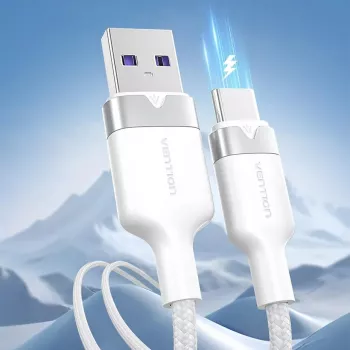
Product option: 6A USB Type C Cable for Fast 100W Charging
If you want a cable designed for higher-watt USB‑C charging setups, the 6A USB Type C Cable for Fast 100W Charging is a practical everyday spare for travel kits, office drawers, and power‑bank carry. It’s especially useful when paired with USB‑C PD chargers and higher-output power banks for laptops, tablets, and modern phones.
| Item | Details |
|---|---|
| Product | 6A USB Type C Cable for Fast 100W Charging |
| Price | $4.51 USD |
| Availability | In stock |
Recommended pairing for truly portable 100W setups
To make a high-current cable count, pair it with a power source that can actually output laptop-class wattage. The 100W 20000mAh Fast Charging Power Bank for Laptop & iPhone 16/15 Pro Max is a strong match for travel, emergency top-ups, and workdays away from wall outlets—especially when you want one solution for both a phone and a USB‑C laptop.
FAQ
Will a 100W USB‑C cable charge a phone faster?
Not by itself. The phone and charger determine the charging rate, while the cable simply enables higher power safely when supported. A 100W cable works fine with lower-watt phones, but the phone will still charge at its own limit.
Do I need USB‑C Power Delivery to reach high-watt charging?
Most high-watt charging over USB‑C relies on USB PD negotiation between the charger and the device. Without PD support, charging often falls back to lower default power levels even if the cable is rated for more.
Is a 6A cable safe to use with lower-power chargers?
Yes—higher-rated cables are generally backward compatible. The charging system will only draw what it negotiates and needs, assuming the cable is undamaged and the charger/device are compliant.




Leave a comment